Tutorial
How To Graph A Parabola On Windows With SumWise
A parabola is the U-shaped curve you get from many quadratic
functions, such as x^2 or x^2 - 4x + 3.
SumWise lets you graph these expressions by typing a command
into the Windows desktop app.
Start With The Basic Parabola
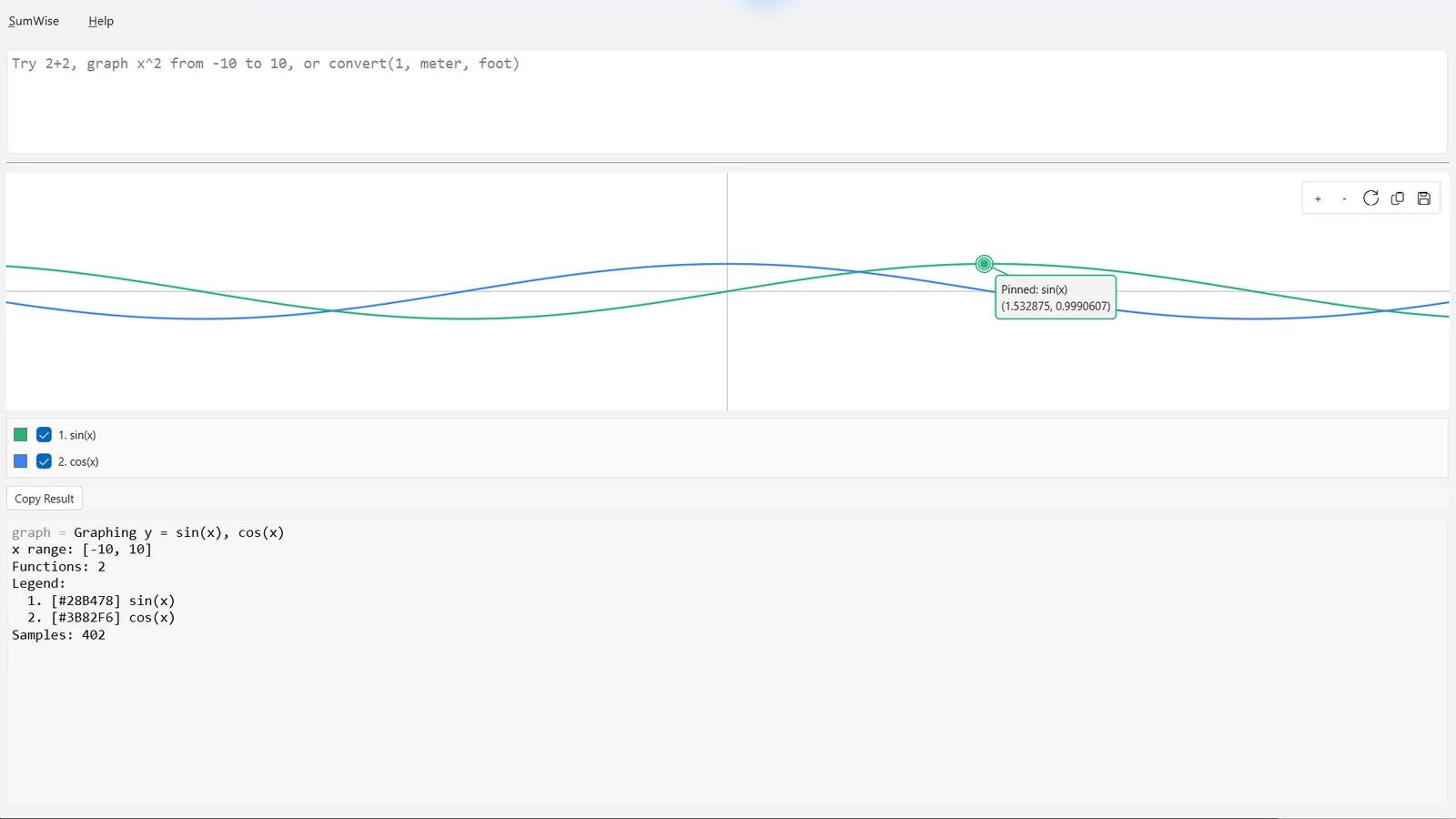
Open SumWise and type this into the main input:
graph x^2 from -5 to 5
This graphs the function y = x^2 over an x-range
from -5 to 5. The graph should show a
symmetric curve with its lowest point at the origin.
Try A Shifted Parabola
Now try a quadratic expression with roots:
graph x^2 - 4x + 3 from -2 to 6This parabola opens upward and crosses the x-axis where the expression is equal to zero. If the default view does not show enough of the graph, use the graph controls to zoom or pan.
Use A Specific Range
When you know the part of the graph you want to inspect, give SumWise an explicit range:
graph x^2 - 4x + 3 from -2 to 6A range can make the graph easier to read because it focuses the view on the useful part of the function.
Explore Roots And Extrema
SumWise includes graphing workflows for roots and extrema where supported. These are useful when you want to connect the equation to important points on the graph.
graph_roots(x^2 - 4x + 3) from -2 to 6
graph_extrema(x^2 - 4x + 3) from -2 to 6
Roots are x-values where the function crosses the x-axis. Extrema are high or low points. For a simple upward-opening parabola, the most important extremum is the lowest point, also called the vertex.
Why Use An Offline Windows Graphing Tool?
Online graphing sites are useful, but an offline Windows app can be helpful when you want a focused desktop workspace, want to keep calculations local, or need graphing beside symbolic math, statistics, unit conversion, matrices, vectors, and a Function Reference.
SumWise is not marketed as exam-certified, and it is not a complete general-purpose symbolic algebra replacement. It is a Windows desktop scientific computation app with scoped symbolic and graphing features designed for practical exploration.
Next Steps
Related SumWise Guides
Continue with public SumWise guides for graphing, visual calculus helpers, derivatives and integrals, and supported symbolic workflows.
This tutorial uses public SumWise Windows desktop features. Android is not publicly available, and unreleased development features are not covered here.